



RingoSpin App
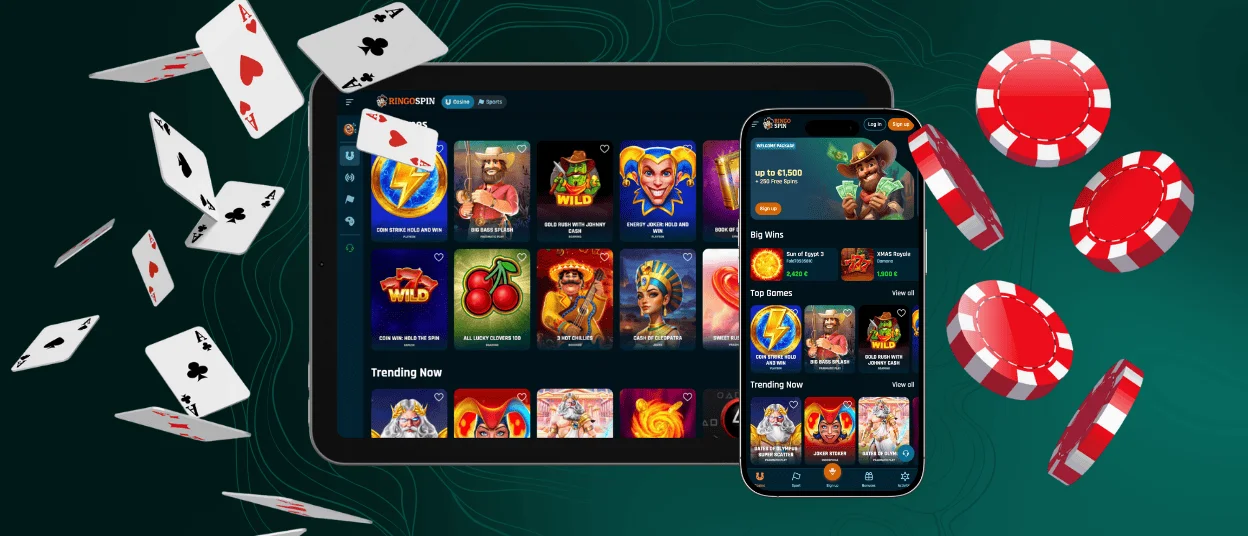
The RingoSpin app gives you full access to our mobile casino through your browser without any downloads. Progressive Web App technology lets you play directly on your phone and manage your account with the same features as our desktop version.



RingoSpin App Features
The Ringo Spin mobile version works like a regular app but stays light and opens instantly. Our interface adjusts to different screen sizes automatically, so you get clear navigation whether you’re checking game categories or managing your wallet. Touch controls make it easy to play quick sessions or spend more time on your favorite games.
The app pulls the latest version from our servers every time you open it. Live casino games run smoothly on smaller screens thanks to our mobile streaming setup. Once you add the PWA to your home screen, you’ll get push notifications about bonuses and tournaments from RingoSpin Casino.
| Feature | Mobile (PWA) | Desktop |
| Convenience | Quick launch from the home screen; ideal for mobile play | Best for long sessions and multitasking |
| Updates | Automatic via server; no installation needed | Dependent on browser refresh |
| Controls | Touch gestures, fast category switching | Precision from the mouse and keyboard |
| Performance Factors | Depends on the battery and the mobile network | Stable on high-speed connections |
The RingoSpin app keeps the same RTP values and bonuses across all devices. Our support team watches performance around the clock, and you can reach live chat right from the mobile interface if you need help.
RingoSpin App for Android OS
Android users can start playing Ringo Spin directly through Chrome or any modern mobile browser. We use a lightweight PWA instead of traditional app store downloads, so you get a full mobile casino experience without Google Play restrictions.
The PWA updates itself through our servers and keeps your session running even when you switch networks. This setup reduces security risks and means you’re always using the current version.
RingoSpin APK
We know some users prefer the classic Android setup, so RingoSpin offers an APK option. But our main solution is more advanced—the PWA handles everything an APK does with automatic updates and better protection.
Traditional APK files need regular manual updates and can get outdated quickly. The PWA connects directly to RingoSpin’s servers, which means you get fresh interface features and stable performance on any Android device while using less storage space.
How to Add the Ringo Spin PWA to Android
Adding the RingoSpin app to your Android takes just a few seconds with no external downloads needed. Your browser’s PWA feature creates a home screen shortcut that opens the full mobile casino interface.
- Open the official RingoSpin website in Chrome or another supported browser.
- Wait for the page to load completely.
- Select “Add to Home Screen” or “Install App” from the browser menu.
- Tap confirm, and the shortcut appears on your device instantly.
You’ll have a mobile casino that’s safe, fast, and fully synced without using third-party sources.
RingoSpin App – iOS
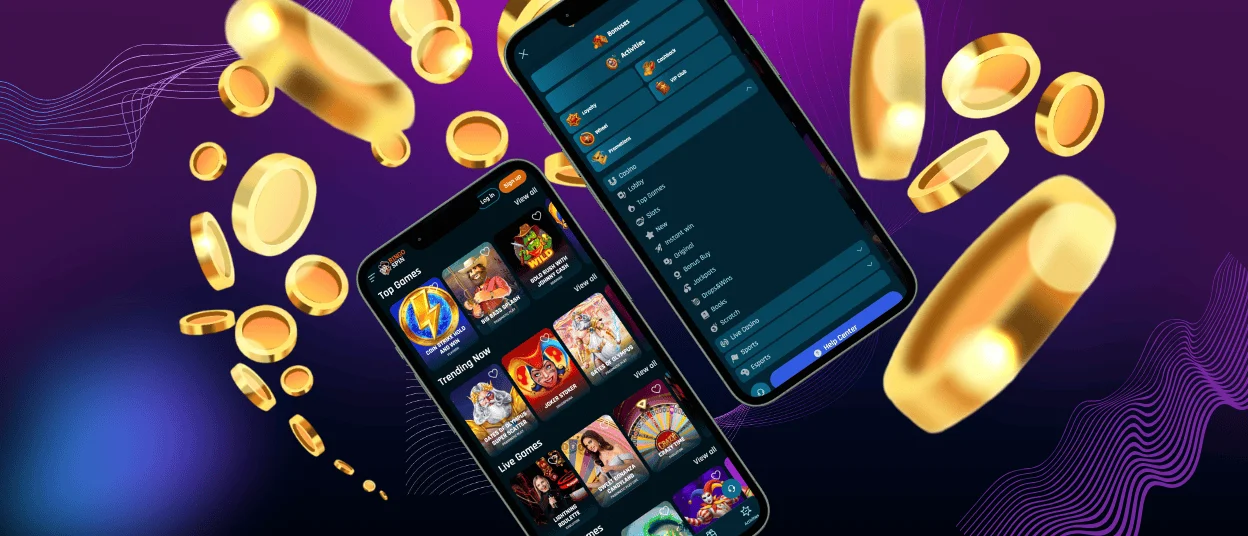
iOS users can get the RingoSpin app through Safari, which has built-in PWA support. After you add it to your home screen, the PWA works just like a standard iPhone or iPad app with quick access to games and account tools.
The interface looks and performs the same as the Android version. Online slots and live casino games run with steady frame rates on all iOS devices.
The camera quality on iOS makes the verification process simple. You can take clear photos of your documents and send them straight to Ringo Spin. Apple doesn’t allow push notifications for PWAs, but this doesn’t affect your gaming experience—everything else works exactly like the desktop version.
Our support team built the mobile casino layout specifically for iOS screens. Live chat fits naturally into the design, so you can get help without stopping your game.
Ringo Spin Casino – Desktop Version
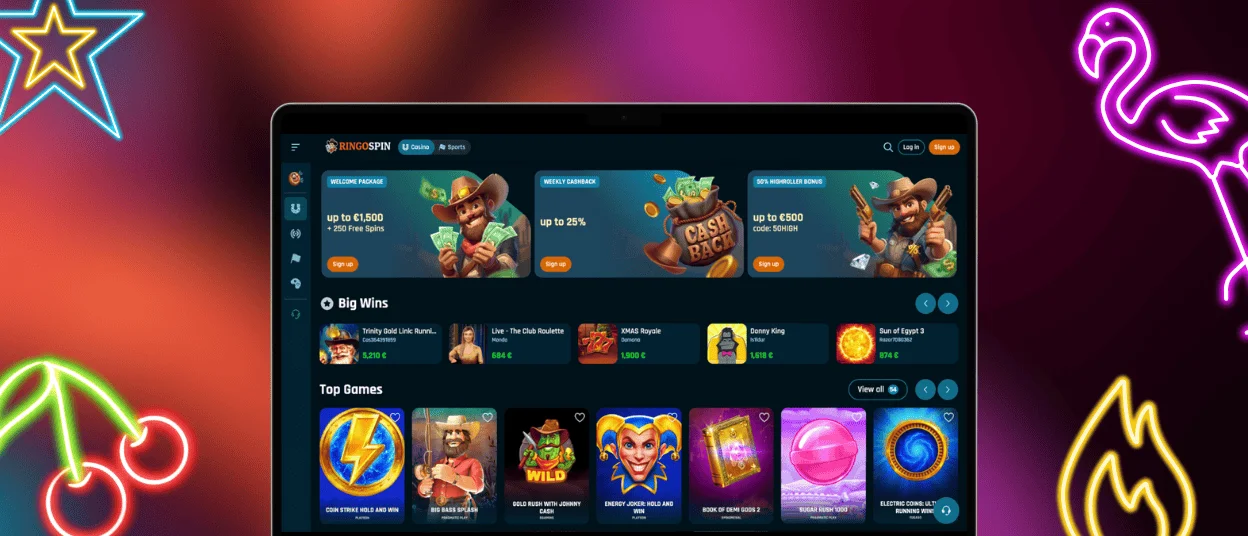
The desktop version of RingoSpin Casino works best for longer sessions or when you want multiple windows open. Bigger screens give you better visibility and more detailed views of live dealer games. Using a keyboard and mouse helps you adjust bets precisely and stay comfortable during intense gameplay.
Our desktop platform runs on Windows, macOS, and Linux through any modern browser. Fast internet connections let you stream live casino rooms in HD and load complex slot games quickly. You can track missions, tournaments, and promotions all at the same time.
The game rules and random number systems work the same way on every device. This means the desktop version and the RingoSpin app give you identical experiences. Your progress syncs automatically when you switch between mobile and desktop, so you keep your active bonuses and tournament positions.
| Device Type | Primary Advantage | Best Use Case |
| Desktop | Maximum screen real estate, precise controls | Extended sessions, live dealer games, multiple tables |
| Mobile | Portability, instant access | Quick sessions, on-the-go play, casual gaming |
| Tablet | Hybrid experience, comfortable viewing | Balanced sessions, home use without a desktop setup |
Supported Browsers
The RingoSpin app works on all major browsers that handle modern web standards and PWA features. We suggest using the newest versions for the best performance and security.
Chrome gives you the most complete PWA support on Android with easy installation and push notifications. Safari is the main browser for iOS users and handles PWA integration naturally on iPhones and iPads. Firefox works just as well with strong privacy features, and Edge or Opera also support the Ringo Spin mobile casino.
Desktop browsers follow the same standards. You get reliable access to our full game selection and account tools through Chrome, Firefox, Safari, or Edge. We keep our platform updated to work with the latest browser releases.
FAQ
How do I update the app to the latest version?
The RingoSpin app updates on its own every time you open it. Our PWA technology gets the current version from our servers, so you don’t need manual updates or app store visits. Just launch the app, and you’re running the latest version with new features and security improvements.
Can I use the app on my tablet?
Yes. The Ringo Spin app is designed for tablets with a layout that mixes mobile convenience and desktop clarity. Screens between 7 and 13 inches adjust automatically to show larger game displays and extended dealer panels. Tablets also give you longer battery life and easy touch controls, which makes them a good choice if you want a bigger view without using a desktop.
What should I do if the app crashes or doesn’t load properly?
Reach out to our support team through live chat right away for help. Most issues get fixed by clearing your browser cache, checking your internet connection, or updating your browser to the latest version. Our staff monitors RingoSpin casino performance constantly and can identify specific problems fast. Usually, refreshing your browser or restarting your device solves temporary loading issues. If problems continue, we’ll walk you through detailed troubleshooting steps that match your device and browser setup.


